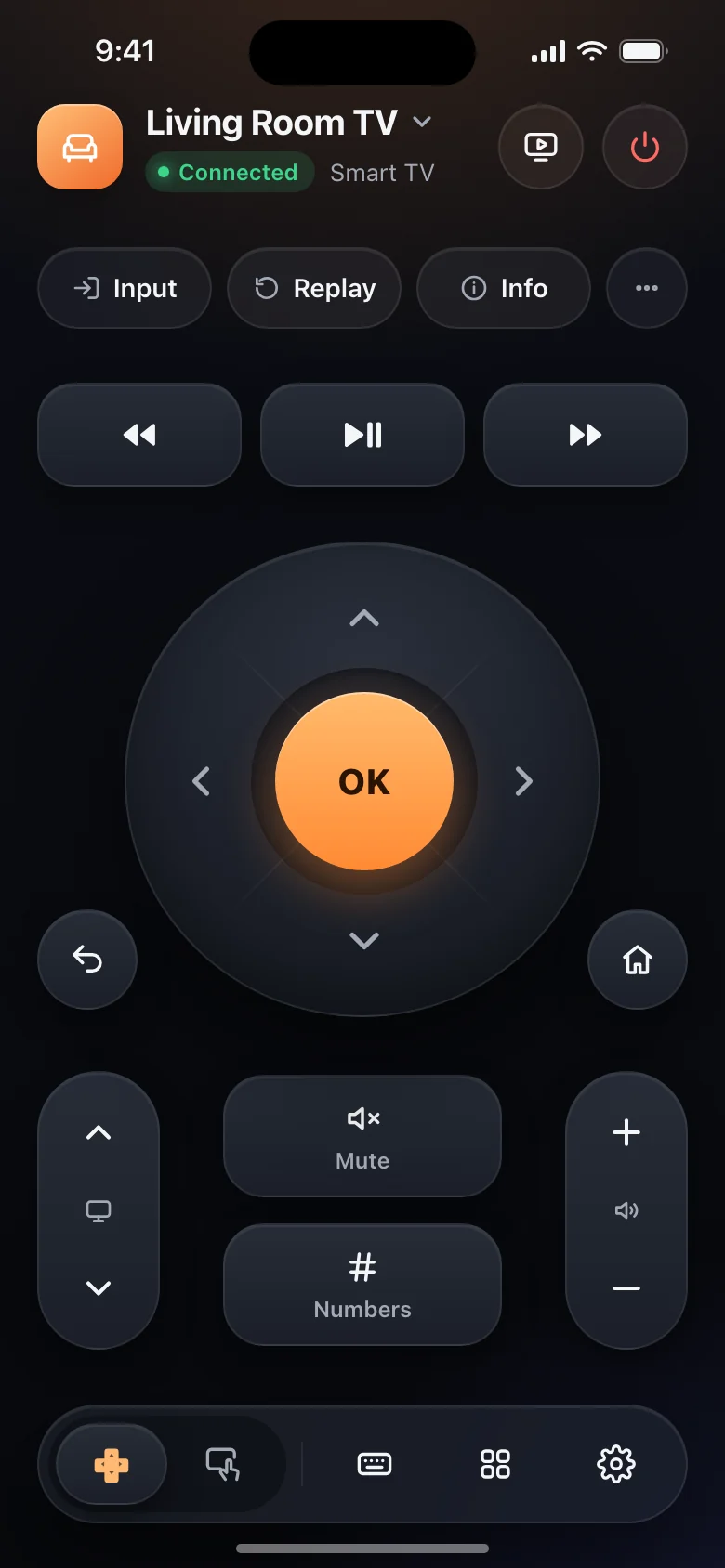
A full remote
Directional pad, OK, Back, Home, volume, channels, playback and power. Finds the TVs on your Wi-Fi and reconnects when you open the app.
For Android, iPhone and iPad
Control your smart TV from your phone or tablet over Wi-Fi. No infrared blaster, no account, no ads.
iPhone and iPad version coming soon
Works with
Features
The full button remote, plus a touchpad, your phone's keyboard, apps in one tap and casting.
Directional pad, OK, Back, Home, volume, channels, playback and power. Finds the TVs on your Wi-Fi and reconnects when you open the app.
Glide through menus with your thumb and tap for OK. On LG TVs it moves the pointer.
Type searches and sign-ins with your phone keyboard on supported TVs.
Every app on your TV in one grid. Open one straight from your phone.
Photos, slideshows, videos, files and links to your TV, Chromecast or Roku.
Wake a TV from standby with your phone, on TVs that support it.
Features depend on your TV model, software and phone platform. Siri, Shortcuts and AirPlay guides are for iOS only.
How it works
No sign-in and no extra hardware. If your TV is on your Wi-Fi, you're most of the way there.
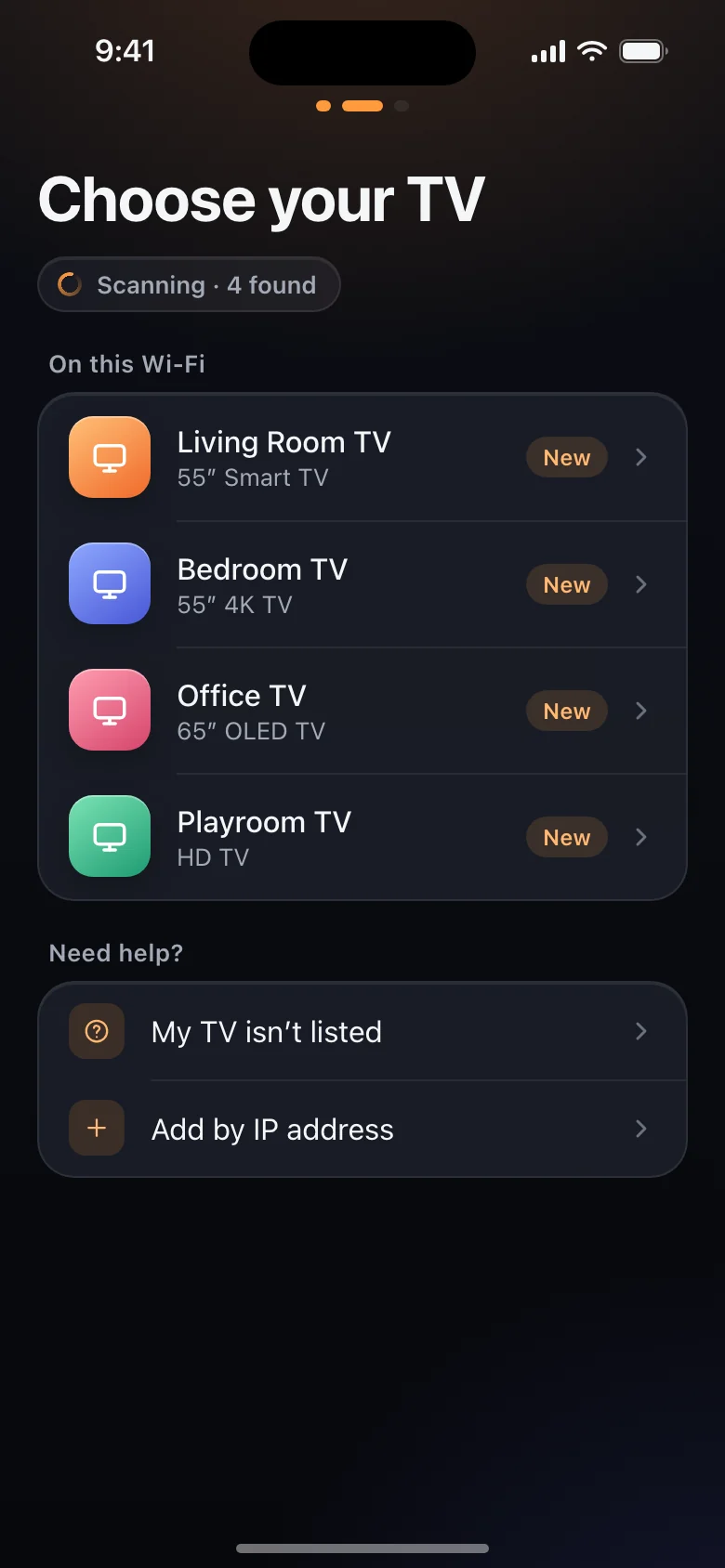
Loungemote scans your network and lists the TVs and streaming devices it finds.
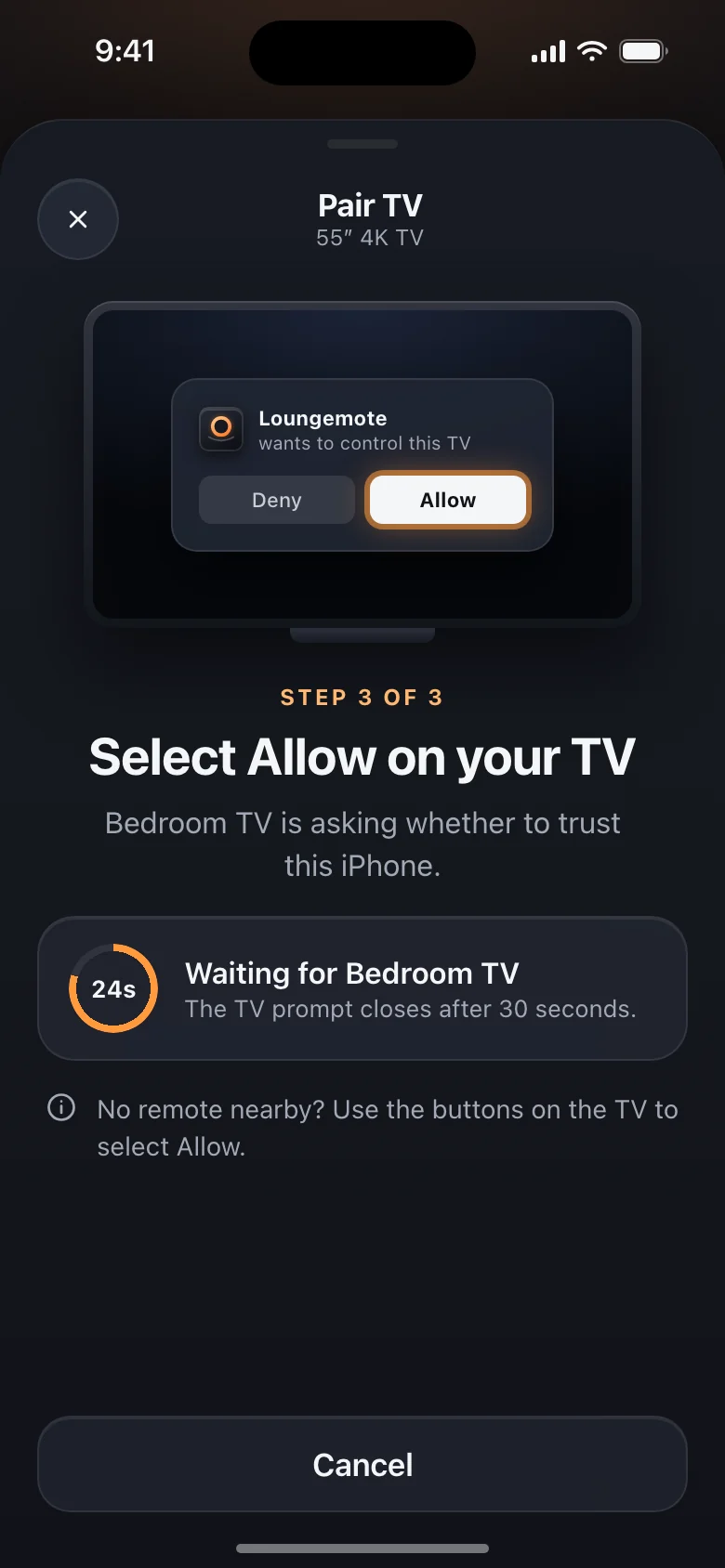
Select Allow on the TV, or type the code it shows. You only do this the first time.
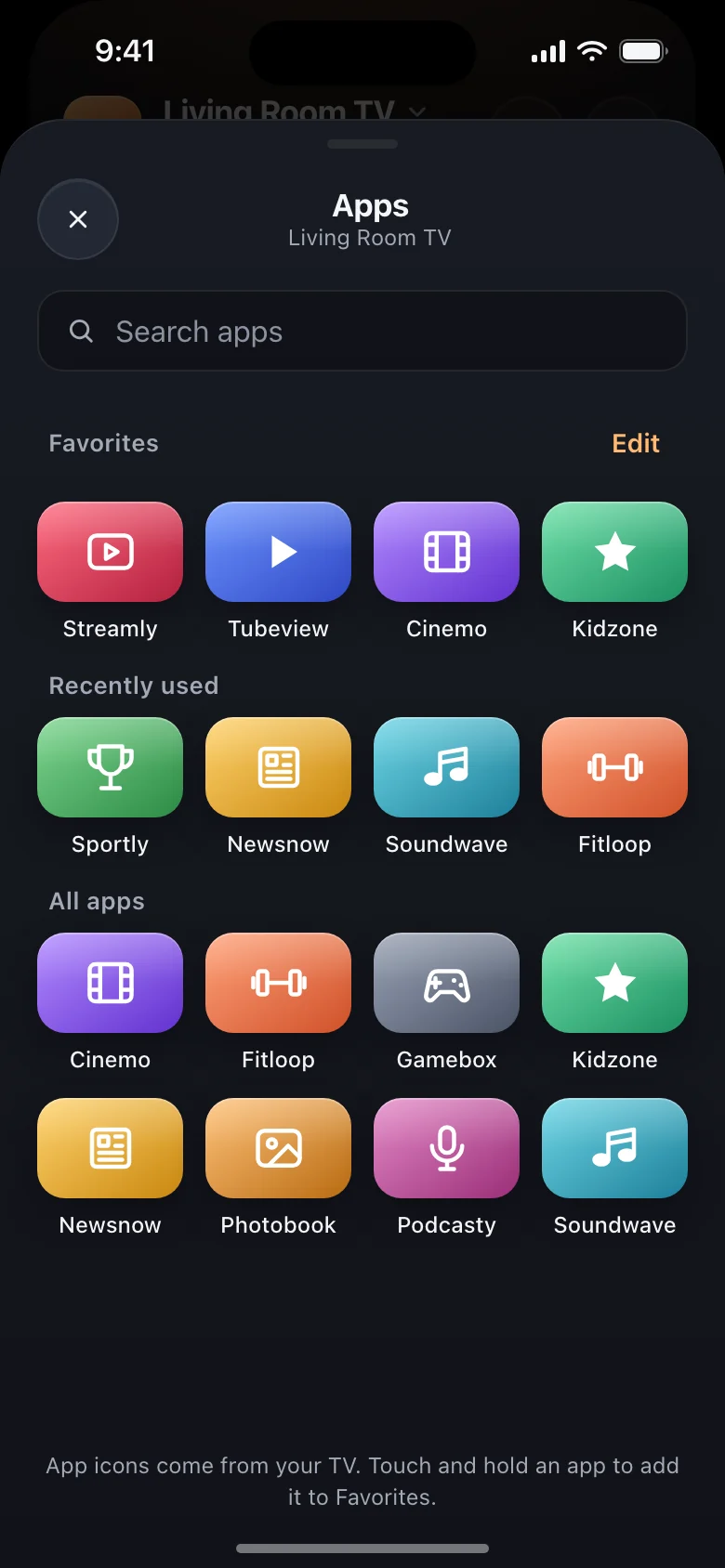
Your phone is now the remote. Next time, the app reconnects as soon as you open it.
Devices
Loungemote uses each TV’s own network protocol, so it needs no infrared blaster or hub. Your phone or tablet and your TV must be on the same Wi-Fi network.
Roku TVs and Roku streaming players
Connects directlySmart TVs with Tizen, 2016 and later
Select Allow on the TVSmart TVs with webOS
Select Allow on the TVTVs and streaming devices, including Philips sets with Google TV
Code on the TVFire TV streaming devices and TVs
Code on the TVSmartCast TVs
Code on the TVBravia TVs
Code on the TVTVs with PatchWall
Connects directlyTVs with VIDAA
Code on the TVTVs with Titan OS or Saphi
Code on Titan OSRoku TV and Google TV models from other brands, such as TCL, work too. Casting isn't available on Fire TV. Apple TV and infrared-only TVs are not supported. Select a platform for its setup guide.
Privacy
A remote has no reason to know who you are. Loungemote has no accounts and no servers of its own, and remote commands go straight from your phone to your TV.
Read the privacy policyNo sign-up, no email address, nothing to log in to.
No advertising code and no advertising identifier.
Commands travel over your Wi-Fi, directly to the TV you selected.
Pairing records use Android Keystore protection or the iOS Keychain. They are not sent to us.
On Android, Share Usage Data is off by default and the current release has no Firebase configuration. On iOS, Firebase usage statistics and crash reports are on by default; turn them off in Settings > Privacy > Share Usage Data. These reports exclude TV names, network addresses, typed text and cast content. Google Cast has separate diagnostic collection that this switch does not control.
FAQ
Download, setup, your first key press to check the connection and Demo TV are free, with no ads. TV control, touchpad, keyboard, app launch and media casting need Loungemote Pro. Choose a weekly subscription with a 3-day trial for eligible new subscribers, a yearly subscription with no trial, or a one-time Lifetime purchase. Prices and offers appear before payment. Android purchases use Google Play; iOS purchases use the App Store. Siri and Shortcuts are for iOS only.
Samsung smart TVs with Tizen (2016 and later), LG webOS TVs, Sony Bravia, Xiaomi TVs with PatchWall, Hisense TVs with VIDAA, Philips TVs with Titan OS or Saphi, Android TV and Google TV devices, Roku, Amazon Fire TV and Vizio SmartCast. Roku TV and Google TV models from other brands, such as TCL, work too. Apple TV and infrared-only TVs are not supported.
No. Loungemote controls smart TVs over your home Wi-Fi. It does not use infrared, so it cannot control older TVs that only accept an infrared remote.
Keep the TV on and connect it to the same Wi-Fi as your phone; guest networks can block discovery. On Android, allow Nearby devices when requested. On iOS, enable Loungemote in Settings > Privacy & Security > Local Network. You can also add a TV by its IP address.
On many TVs, yes. First turn on the TV’s network wake setting, such as Power On with Mobile on Samsung, Turn on via Wi-Fi on LG or Fast TV start on Roku TV.
No account or ads. Remote commands go directly from your phone to the TV. Pairing records stay on your device. Android has no Firebase configuration in the current release. iOS has optional Firebase usage and crash reports, on by default. Google Cast collects separate SDK diagnostics. See the privacy policy for details.
Android is available on Google Play for phones and tablets running Android 8.0 or later. iPhone and iPad are coming soon to the App Store and require iOS 17 or iPadOS 17 or later. No iOS release date is announced. The app supports English, Chinese (Simplified and Traditional), Japanese, Korean, German, French, Spanish, Portuguese (Brazil), Russian and Indonesian.
Media casting sends selected photos, videos, files or supported links to a compatible receiver. Screen mirroring uses your phone’s system feature: Android system screen casting or AirPlay on iOS. Availability depends on your phone and TV; Loungemote does not provide its own screen-mirroring service.
Use Restore Purchases in the app with the store account used for payment. Manage Android subscriptions in Google Play and iOS subscriptions in Apple Settings. Deleting the app does not cancel a subscription. Purchases do not transfer between Google Play and the App Store.
Something else? Email us at loungemote@outlook.com